For payments at a retailer:
- Select the “Payments” option on the terminal.
- Choose “Internet” and then select “Savanna Fibre.”
- Enter your Account Number and tap “Next.”
- Input your Contact Mobile Number and tap “Next.”
- Confirm the account holder’s name after validation.
- Input the amount to transfer and confirm the payment.
- Receive a receipt for the transaction.
For payments via the PayWay Wallet:
- On the home screen, select the “Internet” icon.
- Choose “Savanna Fibre.”
- Enter your Account Number and confirm the account owner’s name.
- Input the amount to transfer.
- Choose your payment method: PayWay Wallet balance or a linked bank card (Visa, Mastercard, Maestro, or American Express).
- Complete the payment.
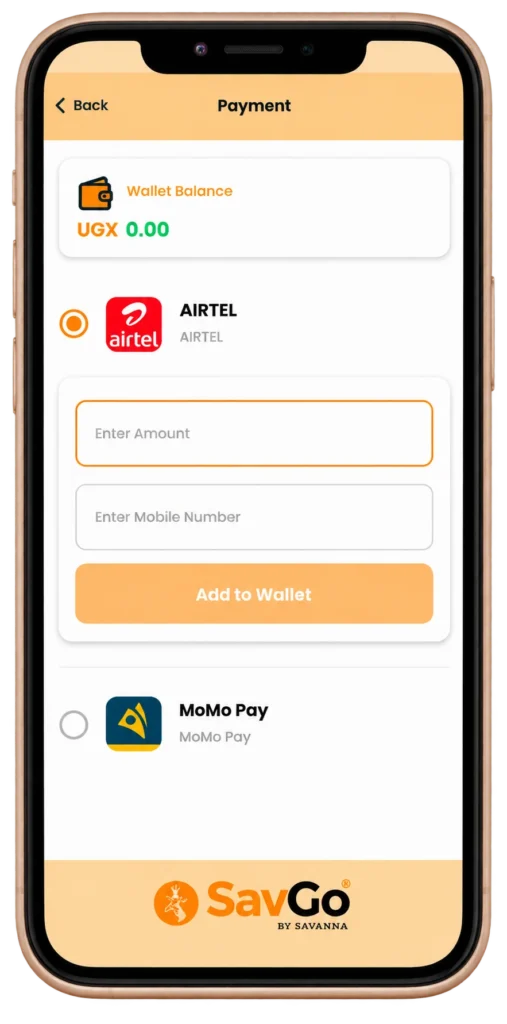
Customers can top up their PayWay Wallet via retailers across the country, mobile money, or pay directly via linked bank cards.For further instructions on paying for Savanna Fibre using PayWay Wallet, you can also refer your customers to this link:
https://info.payway.ug/savanna.