
Step-by-Step Guide to Reboot Your Home Network and avoid data loss

Rebooting your home network can often resolve connectivity issues. Here’s a detailed guide on the correct procedure to do this safely without causing settings or data loss: Step-by-Step Guide to Reboot Your Home Network 1. Understand Your Network Components 2. Power Off Devices in Order 3. Wait for 30 Seconds 4. Power On Devices in […]
Tutorial on how to check and install router firmware

Keeping your router’s firmware up-to-date is essential for ensuring your network’s security and performance. Here’s a step-by-step tutorial on how to check for and install router firmware updates. Step 1: Identify Your Router’s Model and Current Firmware Version Step 2: Check for Firmware Updates Step 3: Download the Latest Firmware Step 4: Install the Firmware […]
How to Adjust Your Wi-Fi User Limit

To increase or decrease the maximum number of users on your Wi-Fi network, you’ll need to access your router’s settings. Here’s how you can do that: Step-by-Step Guide Tips and Considerations If you need assistance with a specific router model, providing the brand and model number can help tailor the instructions more precisely.
How to control Wi-Fi range to limit coverage area

Controlling Wi-Fi range to limit the coverage area can be achieved through various methods. Here are some steps and techniques you can use: 1. Adjust the Transmit Power Settings Many routers allow you to adjust the transmit power of the Wi-Fi signal. Reducing the transmit power can limit the range. 2. Change the Router’s Placement […]
Why Choose Savanna Fibre?

Why Choose Savanna Fibre?High-Speed InternetSavanna Fibre is renowned for its lightning-fast speeds, ensuring you get the best internet experience whether you’re browsing, streaming, or gaming. With Savanna, you get high-speed internet that can handle multiple devices and high data demands seamlessly. Reliable Internet ProviderChoosing an internet provider is crucial, and Savanna Fibre guarantees 99% uptime, […]
How to build a digital library at home

Creating a digital library at home involves several steps, including selecting the right hardware and software, organizing your digital content, and ensuring proper backup and accessibility. Here’s a step-by-step guide: Step 1: Define Your Goals Step 2: Gather Your Materials Step 3: Choose the Right Hardware Step 4: Select Software for Organization and Access Step […]
How to set up Guest WI-FI

Setting up a separate Wi-Fi network for guests is a great way to enhance security and manage bandwidth. Here’s a step-by-step guide to help you set this up effectively: Step 1: Access Your Router’s Settings Step 2: Locate the Guest Network Settings Step 3: Configure the Guest Network Step 4: Security and Isolation Settings Step […]
How to build a home network media server
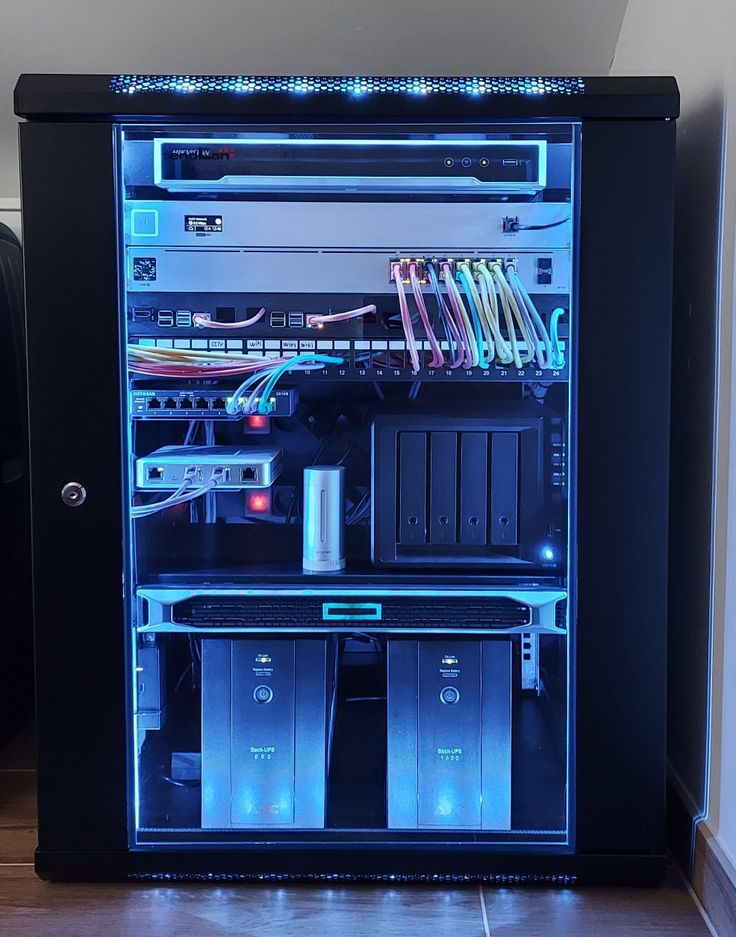
Building a home network media server can be a rewarding project that allows you to stream your personal media collection to various devices throughout your home. Here’s a step-by-step guide to get you started: 1. Plan Your Media Server Consider what you need from your media server: 2. Gather Your Hardware 3. Choose Your Operating […]
Role of mesh networks in improving home internet

Mesh networks play a significant role in improving home internet by addressing several common issues associated with traditional Wi-Fi setups. Here are the key benefits and roles of mesh networks in enhancing home internet performance: 1. Extended Coverage 2. Improved Performance 3. Seamless Connectivity 4. Ease of Setup and Management 5. Enhanced Security 6. Redundancy […]
What is an xpon router and what does the x stand for?
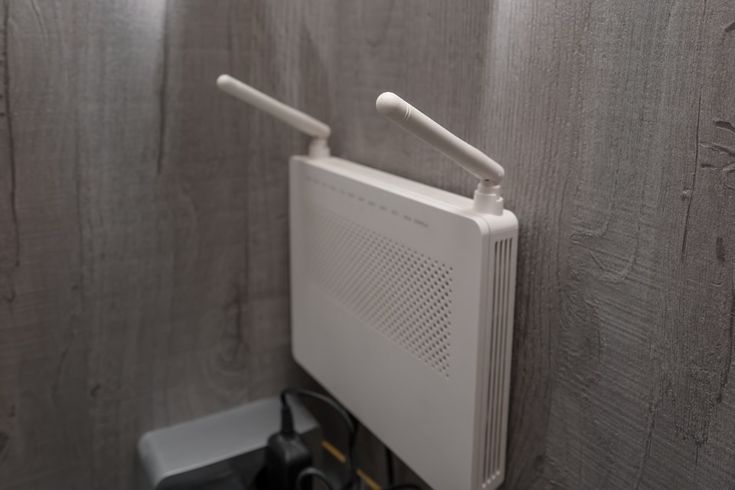
An xPON router is a type of router used in fiber-optic communication networks, specifically designed for Passive Optical Networks (PON). The “x” in xPON stands for the type of PON technology being utilized. PON is a telecommunications technology that implements a point-to-multipoint architecture, enabling the distribution of data from a single optical fiber to multiple […]